What does FPS mean and why does it matter in gaming?
In gaming, "FPS" means frames per second. This guide explains what FPS is, why it affects smoothness and responsiveness, and how to improve it.
Understanding FPS
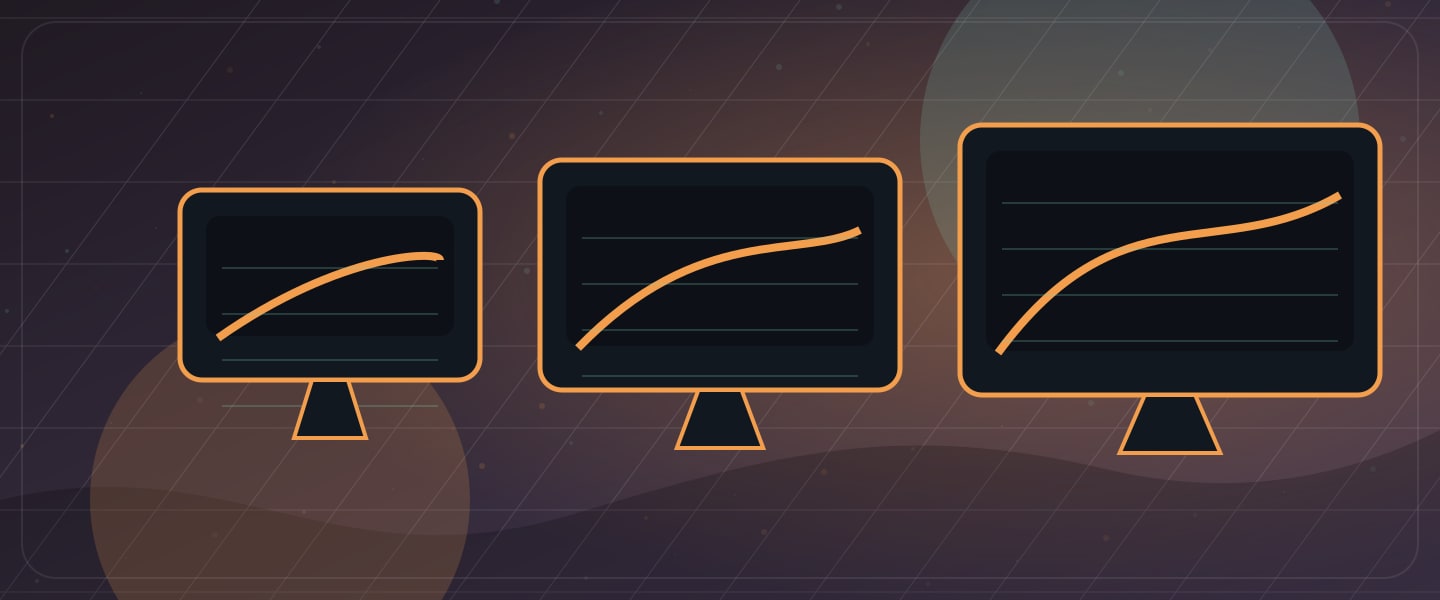
FPS stands for frames per second. It indicates how many individual images are displayed on your screen every second. To put it simply: FPS measures how smoothly a game runs. The higher the FPS, the smoother the gaming experience.
For example, a game running at 30 FPS may feel "choppy" compared to 60 FPS or even 120 FPS. This difference is particularly crucial in fast-paced games where quick reactions are necessary.
Why FPS is Critical in Gaming
FPS is more than a technical number; it changes how smooth and responsive a game feels. Here are a few reasons why it matters:
- Smoothness: Higher FPS means smoother animations and transitions. At 60 FPS, a game often feels much more fluid and responsive, which makes it easier to react to what is happening on screen.
- Competitive advantage: In competitive gaming, every millisecond counts. Higher FPS can give you an edge because it helps you see and react to your environment faster. It can be the small margin that decides the outcome of a match.
Common FPS Standards
FPS can vary greatly depending on the game and your graphics settings. Here are the typical tiers:
- 30 FPS: Often the minimum standard for console gaming. It is playable, but many players find it less than ideal, especially for fast-paced shooters or esports.
- 60 FPS: The "gold standard" for modern gaming and a common target for both consoles and PCs. 60 FPS feels smooth and responsive to most players.
- 120 FPS and higher: Increasingly common among competitive players. Many high-refresh-rate monitors support these levels and offer a very smooth experience, especially in games that require fast reactions.
How to improve FPS
If a game is running at low FPS, there are several steps you can take to improve performance:
- Optimize game settings: Adjust graphics settings in the game. Texture quality, shadows, and anti-aliasing are good places to start; lowering these often boosts FPS without sacrificing too much visual quality.
- Close background applications: Running multiple programs consumes resources. Close unnecessary background apps to free up your computer's performance.
- Keep drivers updated: Regularly updating your GPU drivers improves performance and compatibility with new titles. Manufacturers often release game-specific optimizations.
- Upgrade hardware: A better graphics card, processor, or more RAM can significantly increase FPS. Make sure your build meets, or exceeds, the recommended requirements for your favorite games.
Prenew offers the right solution for every need
- Bronze Level: An affordable gaming PC for light gaming like Minecraft or Roblox.
- Silver Level: Capable of handling a wider range of games. If you want to play Fortnite or CS at a great price, this is the perfect choice for you.
- Gold Level: Aimed at players who demand more power and performance. If you want a clear step up in performance, these are ideal.
- Platinum Level: Power without compromise. With Platinum machines, you can effortlessly play any game at higher settings and higher FPS.