PS5 or PC? Choose the one that grows with you
A PS5 is simple. A refurbished gaming PC is flexible: play, stream, study, upgrade parts, and access thousands of games with tested performance and a 12-month warranty.
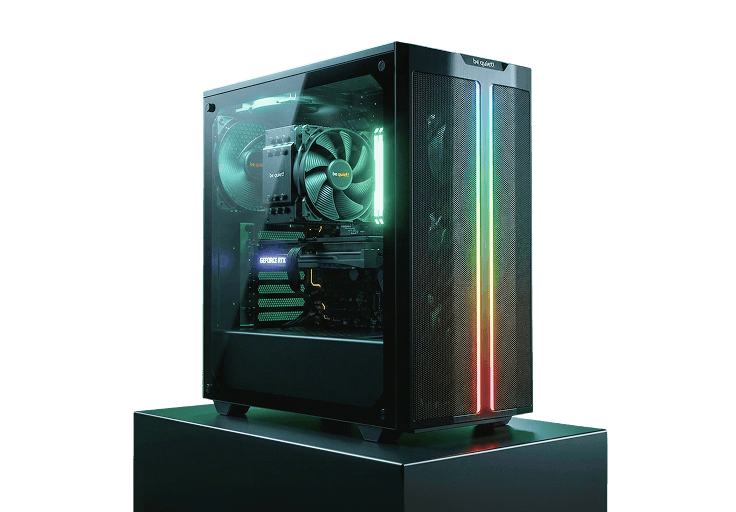
Why consider a PC instead of a PS5?
If you want more than one console generation, a refurbished PC gives you freedom, performance, and better long-term value.
More than gaming
Play the biggest titles, then use the same machine for school, work, streaming, editing, Discord, mods, and browsing without switching devices.
Games cost less over time
PC stores, bundles, free-to-play games, and subscriptions give you more choice. You are not locked into one console storefront for every purchase.
Upgrade when you need to
A console is fixed. With a PC, you can improve RAM, storage, graphics, or accessories later instead of replacing the whole setup.
Console-simple setup.PC-level freedom.
Every Prenew PC is inspected, stress-tested, cleaned, and ready to play, with a 12-month warranty and no hidden fees.
5,000+
customers served
12 months
warranty on every PC
100%
tested before shipping
Real warranty. Real speed.
Every Prenew gaming PC includes our own 12-month service promise — handled directly by us, not outsourced to a manufacturer with long processing times. If a component fails, our technicians diagnose and repair the issue within 48 hours.
- 12-month warranty included
- Remote support in case of issues
- Free fault diagnosis and repair
- Warranty service by our experts within two days
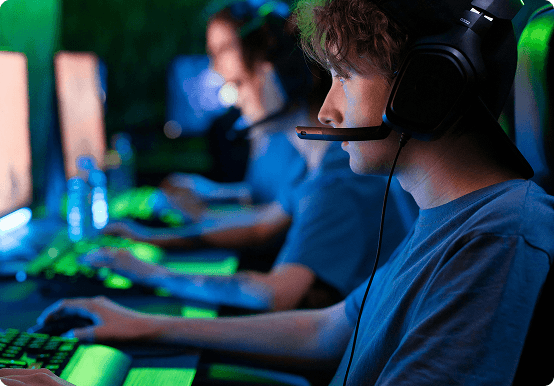
Find a PC for the way you want to play
Join thousands of satisfied customers
According to our feedback, over 90% of our customers are satisfied with our service.
Excellent
4.8 out of 5
Latest from our blog
Stay updated with gaming trends and tech insights
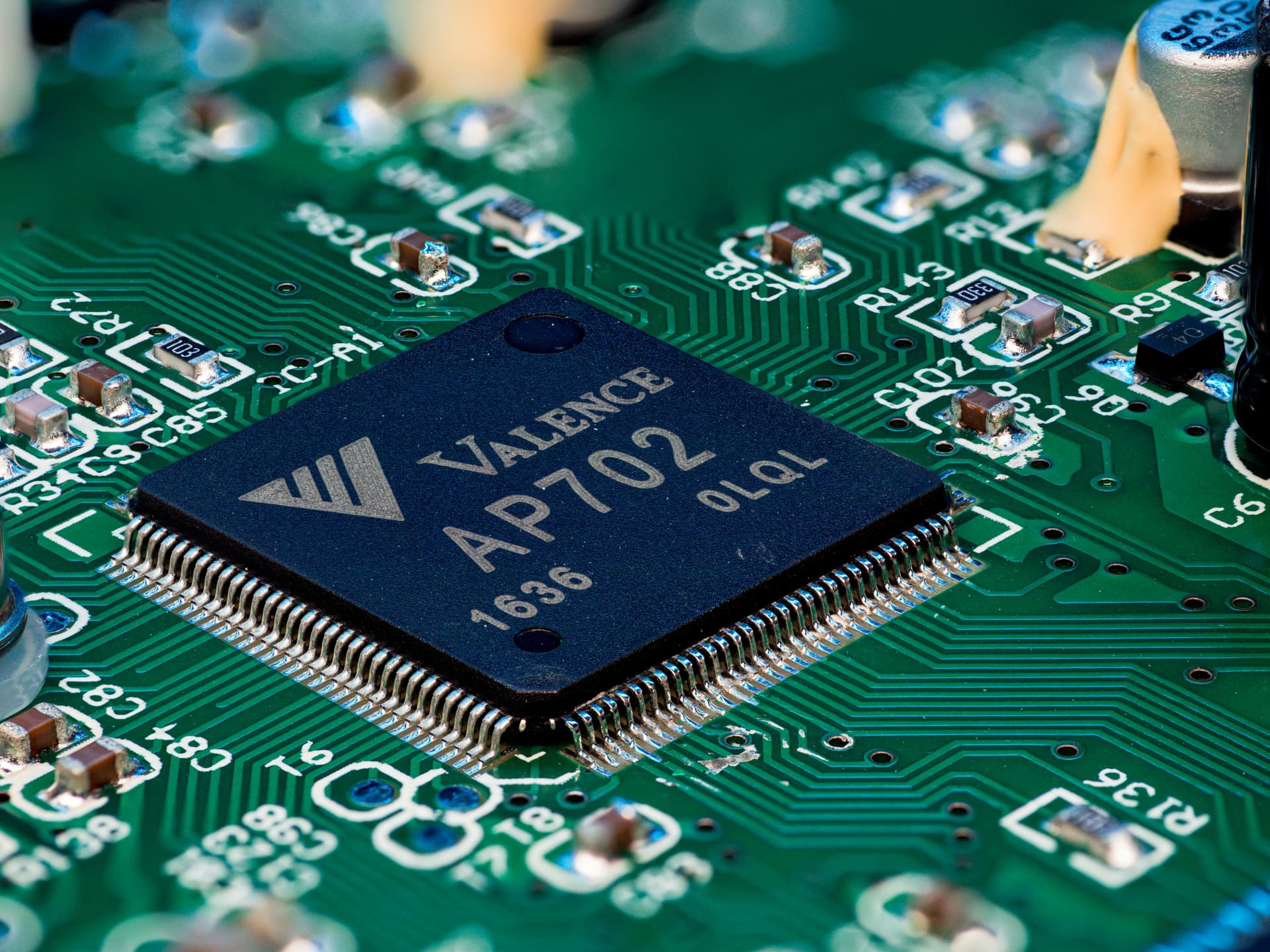
GPU, CPU and RAM explained
When buying or upgrading a PC, you'll see terms like GPU, CPU and RAM everywhere. This guide explains what each component does, how they work together, and what to look for when choosing or selling a gaming or work PC.
Read more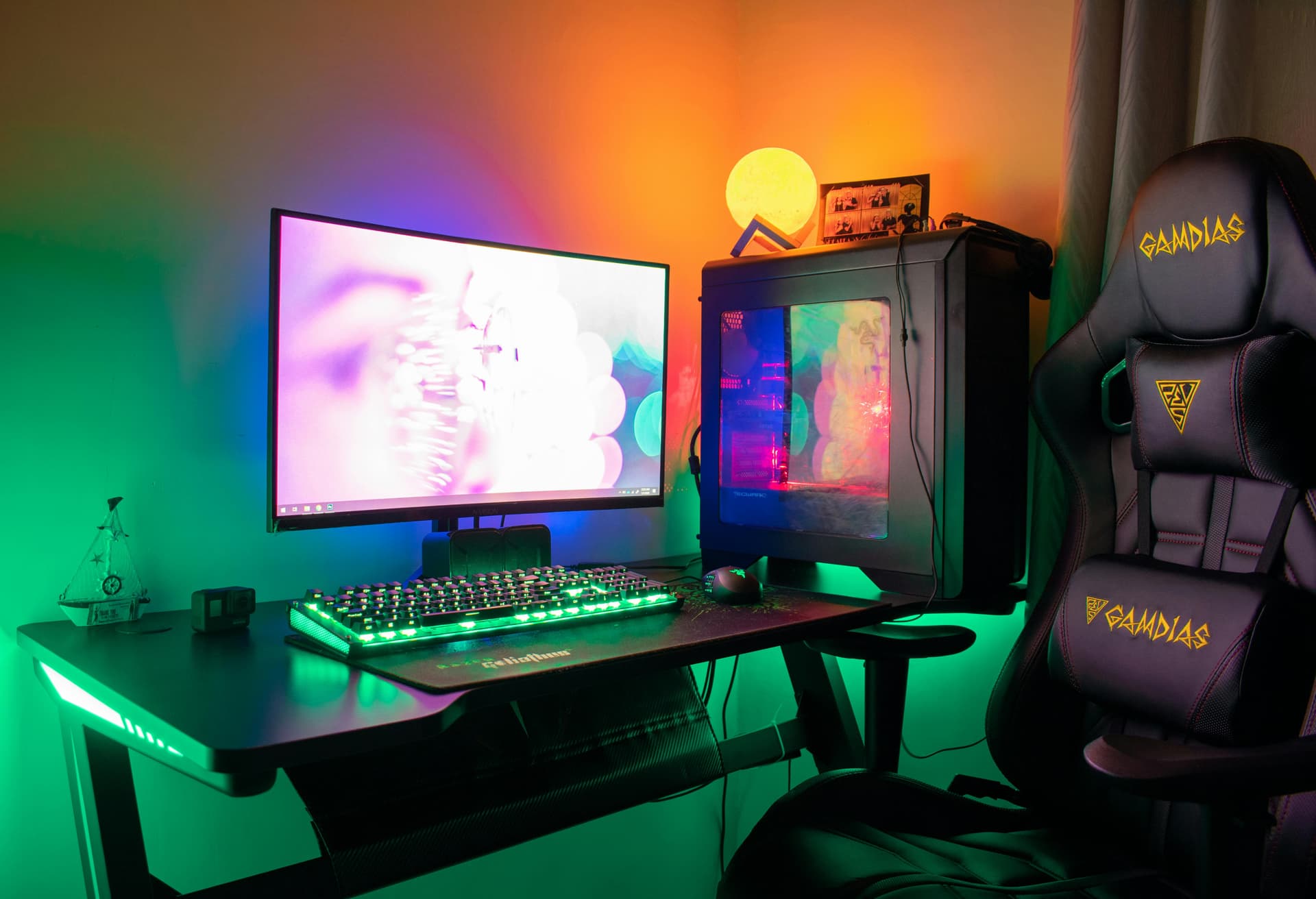
What does FPS mean and why does it matter in gaming?
In gaming, "FPS" means frames per second. This guide explains what FPS is, why it affects smoothness and responsiveness, and how to improve it.
Read more
Why Sell to Prenew
Selling your used or refurbished computer doesn't have to be complicated. Discover why thousands of sellers choose Prenew for fair prices, a simple process, and a trusted partner that gives devices a second life.
Read moreFrequently asked questions. Answered.
Have questions? We've answered the most common ones below.